
WhatsApp Shared Inbox for Multiple Agents: Who Replies Next?
A shared WhatsApp inbox works when each new lead has a clear owner, every agent can see the conversation, and handoffs leave the customer with one coherent reply.
Two agents see the same WhatsApp message. Both answer. One quotes a price; the other asks the customer for a budget. The customer now has a problem that adding another phone will not solve.
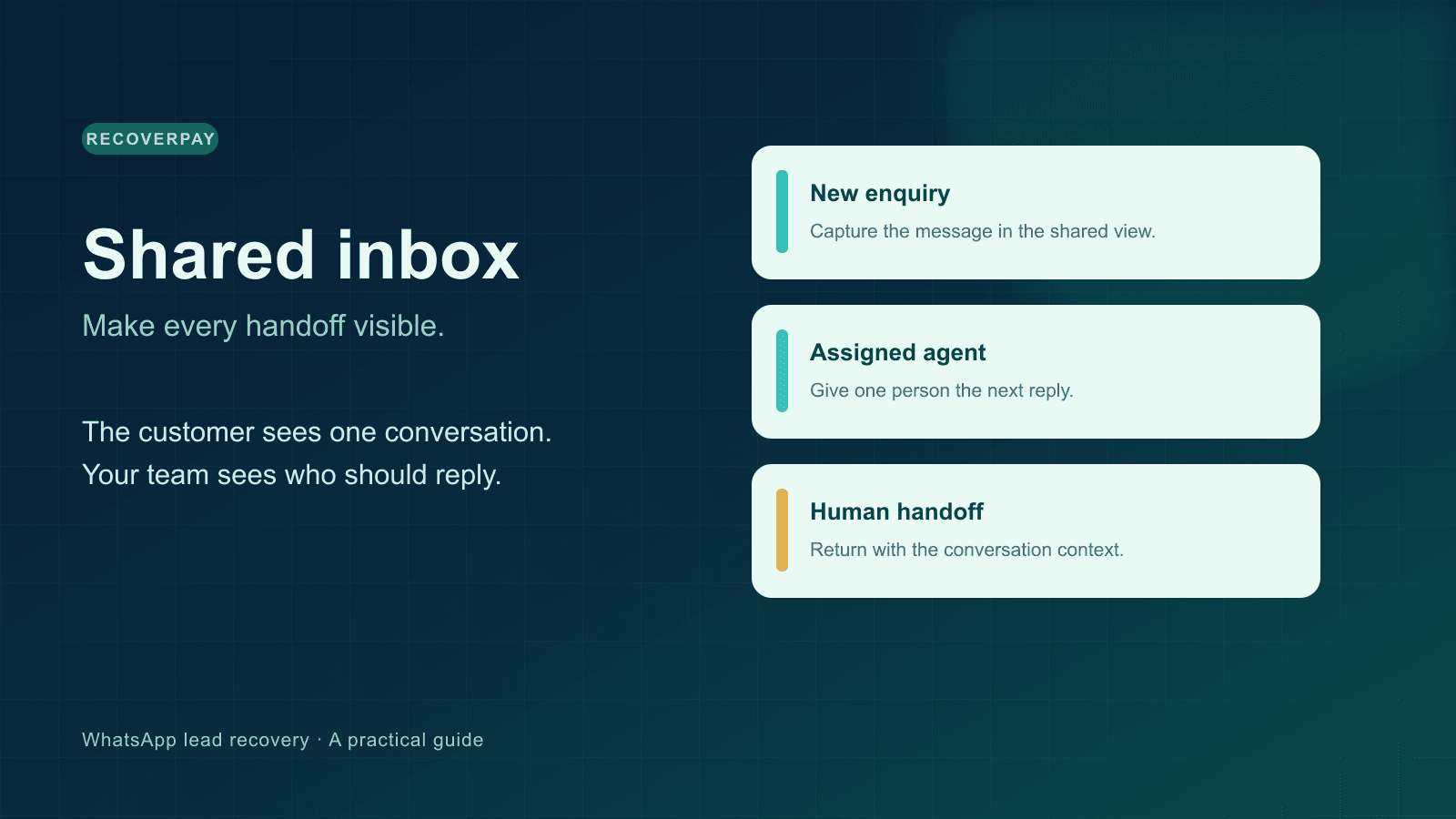
A WhatsApp shared inbox for multiple agents is a workflow, not merely shared access to a number. The team needs a visible owner for each enquiry, the conversation history when someone takes over, and a rule for when automation should step aside. That is the difference between “everyone can open the chat” and “someone is responsible for the next reply.”
What a shared inbox should make obvious
Before choosing software, try to answer four questions on a busy day:
| Question | Useful inbox behaviour |
|---|---|
| Who is responsible for this lead? | One agent or owner is assigned visibly. |
| What has the customer already said? | The incoming messages and earlier replies stay in the same thread. |
| Has anyone answered yet? | The team can see the latest message and avoid a second, conflicting answer. |
| What happens when the assigned agent is away? | The conversation can be handed to another person with context. |
A shared view without ownership can create more noise. Assignment without a shared history makes each handoff feel like starting over.
Linked devices, a QR connection, and the official Meta API
The WhatsApp Business app has useful native tools for a small operation, including away messages, quick replies, and labels, as described in Meta's Business app feature overview. Sharing a phone or linked devices may be sufficient when a single person handles most enquiries and another covers breaks.
As the team grows, decide whether you need lead assignment, access by role, a consistent conversation record, and reporting. RecoverPay supports a QR-linked WhatsApp connection and the official Meta Cloud API path. The QR path depends on a linked session and needs connection monitoring. The official API has its own account setup and messaging rules, including template rules for business-initiated messages. Our QR versus Meta Cloud API comparison explains the practical trade-offs; Meta's platform documentation is the authority for the official API.
Do not choose a connection based only on “unlimited agents” in a sales page. Ask whether your number is eligible, who controls it, what happens when a connection drops, and how outbound messages are governed.
A simple ownership rule that prevents double replies
Use a rule your team can repeat aloud: the assigned agent writes the next customer reply; everyone else reads unless they are explicitly taking over.
Suppose Amina receives a new property enquiry at 3:10 p.m. She is assigned the lead and asks for the preferred area. At 3:30 p.m., she goes to a viewing. If Bilal takes over, he first reads the earlier messages, changes ownership, and answers the customer's last question. He does not introduce himself as if the customer had never spoken to anyone.
When the customer asks for the owner, the team should capture that request in the conversation. The automated assistant should not keep qualifying the person. If the owner is away, the reply should say so plainly and leave the question for them. The owner should see the request through the workspace's configured notification route and conversation queue. Our human handoff guide describes the boundary.
Set up the team in a sensible order
- Connect a real business number. Confirm it can send and receive before inviting the team. Test a text reply and a media message.
- Invite only the people who will work the queue. Give access based on their role. The advertised Starter plan has one team member; Pro has up to ten by default. Existing custom workspace quotas may differ.
- Name an owner for each new lead. Agree who checks unassigned conversations and at what times.
- Define the handoff trigger. Examples: the customer asks for a person, the assigned agent is absent, or the answer requires approval.
- Create a few quick replies. Use them for repeatable facts, then edit the answer to match the conversation. Avoid sending an old stock or price claim unchanged.
- Test a collision. Have two agents open the same enquiry. Make sure the assigned agent is obvious and the second agent can see the reply before acting.
- Set your after-hours policy. If AI replies are enabled, the system should yield when a person takes over. Review the fallback message and provider/quota settings.
In RecoverPay, the Leads view, Inbox, Team area, quick replies, and handoff requests support this workflow. Workspaces need to configure their own roles, business hours, and notification preferences. A dashboard alone cannot decide who owns a live customer promise.
What to measure after the first week
Look at unassigned leads, time until the first useful human reply, duplicate replies, handoffs that waited too long, and conversations that became qualified opportunities. These are more diagnostic than counting every automated message as a success.
If the team is small, review ten recent threads together. Ask where the customer had to repeat themselves. Then adjust the ownership rule, quick replies, or handoff path. A good inbox should reduce that repetition.
When a shared inbox is unnecessary
If one person answers all incoming WhatsApp questions and another person only covers emergencies, native WhatsApp Business tools may be enough. Add a full team inbox when the cost of unclear ownership becomes visible: missed conversations, duplicated replies, or handoffs without context. The decision should follow the way your team actually works.
Want to test it with your team? Create a RecoverPay workspace, connect a line, assign a few test leads, and run the two-agent collision test before moving the full queue.
Have questions about this article or your sales pipeline?
Ask us anything about automating WhatsApp follow-ups, re-engaging cold leads, or improving agent response times. Our team is here to help.