
WhatsApp Business Auto Reply After Hours: Messages That Actually Help
A useful after-hours WhatsApp reply should answer what it can, ask for the missing detail, and tell the customer what happens when a person returns.
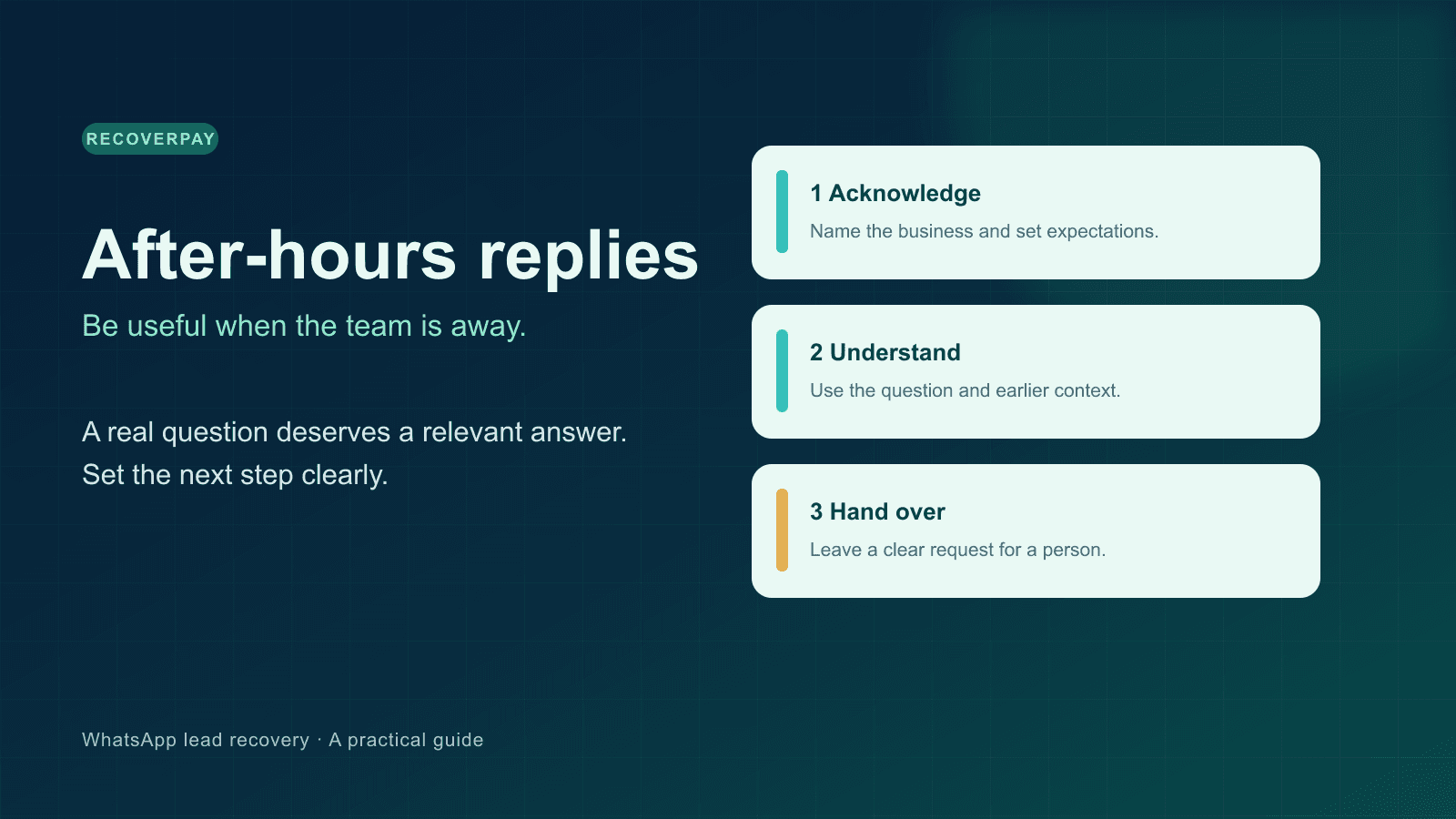
Someone asks whether a product is available at 9:40 p.m. A message saying “We are currently unavailable” proves only that your phone is on. The customer still needs to know whether to wait, send more detail, or look elsewhere.
A useful WhatsApp Business auto reply after hours does three things: it identifies the business, responds to the question as far as the business can safely answer, and makes the next human step clear. You can start with the WhatsApp Business app's away message. When questions vary and you have a team, a connected inbox with carefully configured AI can do more. Neither setup should promise a person will reply at a time your team cannot meet.
Start with the simplest message that tells the truth
For a small team, this is a better default than a generic “not available” line:
Thanks for contacting [Business name]. Our team is away until [day and local time]. Please send your question, product or property name, and the best time to reach you. We will review it when we reopen. If you need to speak with the owner, say so here and we will pass on the request.
The time and business name matter. “Soon” is hard to plan around; “Tuesday after 9 a.m. PKT” gives a real expectation. If your reopening time changes by day, a fixed template can become misleading. Review it whenever hours change.
The official WhatsApp Business app features page describes Away Messages, Quick Replies, and Labels. An away message is a good acknowledgment. A quick reply helps a person answer a repeated question later. A label helps organise a conversation. They solve different parts of the job.
Five after-hours reply examples you can adapt
Use the customer's actual question and your actual operating hours. These examples are starting points, not scripts to paste unchanged.
1. New product inquiry
Hi, this is [Business name]. We have your question about [product]. The team is away until [time]. Which size or model do you need, and what city are you in? We will check the current stock before confirming availability.
This gathers the detail needed for a useful next answer without claiming stock that may have changed.
2. Property viewing request
Thanks for asking about [property or area]. Our agents are away right now. Please share your preferred day, budget range, and whether you want an in-person or virtual viewing. An agent can check availability when the office opens.
Notice the wording: check availability, not “your viewing is booked.” A bot should not confirm an appointment it has not actually reserved.
3. Existing order or service question
We received your message. Our support team returns at [time]. Please send the order reference and a short description of the issue. Do not send card details or passwords here. A person will review the conversation when we reopen.
The last sentence protects the customer and gives the team useful context. Keep sensitive information out of your message examples.
4. A request for the owner or a human
I understand you would like to speak with the owner. They are unavailable right now. I have recorded your request in this conversation. Please leave the question here so they can read the context and respond when available.
Do not keep asking the customer to explain why they want a person. A clear request for a human is a handoff, not another qualification question.
5. An unclear or failed voice note
Thanks for the voice message. I could not understand it clearly enough to give a reliable answer. Could you resend a shorter recording or type the question? I can pass it to the team as well.
When transcription fails, an honest clarification beats a confident but invented answer. See our separate guide to handling WhatsApp voice notes after hours.
How to set up the basic WhatsApp Business away message
The app's labels can change between devices and releases, but the usual path is Business tools → Away message. Turn it on, enter a short message, choose the schedule and recipients, then send yourself a test message from another number outside the chosen hours. Check the received wording, local time zone, and whether the right contacts are included. The WhatsApp Business app feature overview is the best place to confirm the current native tools.
If you have only a few predictable questions, stop there. A person can use quick replies the next day. If messages arrive in several languages, or people ask about different products, a single fixed line may leave too much unanswered.
When an AI reply earns its place
An AI reply should read the incoming question and the relevant conversation, answer only with information the business has actually supplied, and stay in the customer's language when it can. It should also know when to stop. Prices, stock, bookings, refunds, and delivery promises need a trustworthy source or a person.
In RecoverPay, the workspace owner can set business hours, a fallback message, and an AI reply option. The AI path requires a configured provider and available usage quota. If that path is unavailable, the fallback is an acknowledgment. A request for the owner or team can create a human handoff in the conversation; notification delivery depends on the workspace's notification settings. The after-hours AI guide explains the setup in more detail.
For the official Meta Business Platform, a reply to a recent inbound message belongs to its customer service conversation. An outbound message after that window may need an approved template. Check Meta's current platform guidance for your channel and use case. A QR-linked connection has different operational limits and can disconnect, so test the path you actually use.
A ten-minute test before leaving the office
- Send a new question from a phone outside the workspace.
- Ask a follow-up that needs context: “Is the blue one available?”
- Ask to speak with a person, then verify that the request is visible to your team.
- Send a voice note or a message in another language if those are common for your customers.
- Temporarily use an unknown fact. Confirm the reply asks for clarification or a person rather than inventing it.
- Check the customer's experience after a human responds. Automated replies should not compete with the agent.
Measure the useful outcome: how many after-hours conversations had a clear next step, how many received a human reply when promised, and how often the bot needed correction. A faster automatic response has little value if it leaves the customer more confused.
Want to see the workflow on your own line? Start a RecoverPay trial, set your real business hours, and test it with a second phone before inviting customers to use it.
Have questions about this article or your sales pipeline?
Ask us anything about automating WhatsApp follow-ups, re-engaging cold leads, or improving agent response times. Our team is here to help.